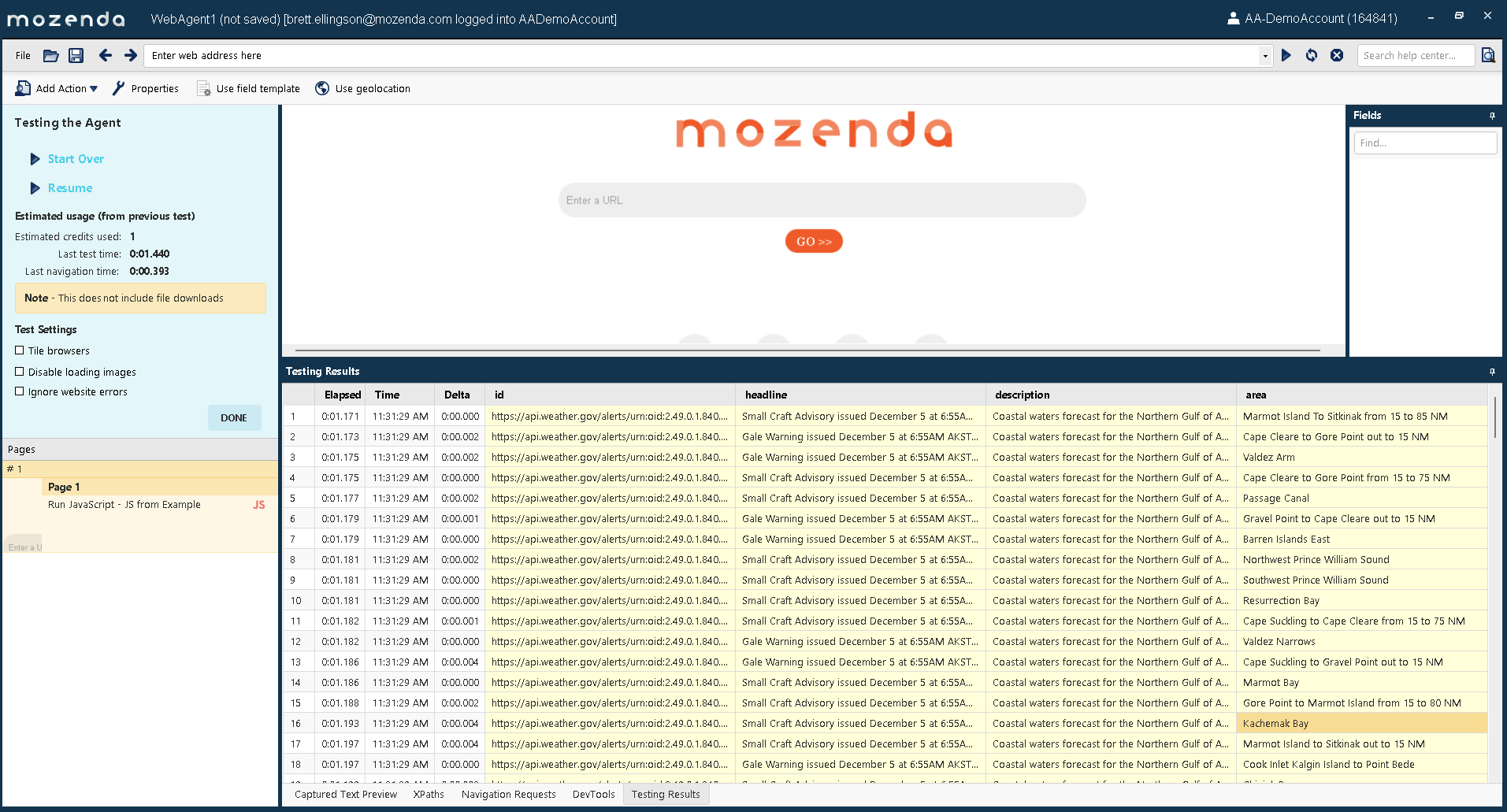
For this example, we will be scraping active weather alerts from the United States Weather Service. The purpose it to illustrate:
- Making a request to a web service that returns a JSON response
- Parsing that response
- Writing the parsed response to the Mozenda Agent Collection
Concepts that you should familiarize yourself with with to accomplish this are:
- Mozenda Run JavaScript action
- The JavaScript
fetchfunction
(async function () {
  try {
    // Request active weather alerts from the AL region
    // This request returns a JSON-formatted response
    // You can see the format by loading the URL in a browser
    const url = 'https://api.weather.gov/alerts/active/region/AL';
    const response = await fetch(url);

    // Attempts to convert the JSON text response to a JavaScript
    // object
    const data = await response.json();

    // Format the response to rows of objects as required by
    // Mozenda's M_SetFieldValues() function

    // Create an array to pass into M_SetFieldValues()
    const rows = [];

    // Iterate through the "features" array
    for (const feature of data.features) {
      const row = {};
      row['id'] = feature.id;

      const properties = feature.properties;
      row['headline'] = properties.headline;
      row['description'] = properties.description;
      row['area'] = properties.areaDesc;

      rows.push(row);
    }

    // console.log(rows);

    // Write all rows from the response to the Mozenda
    // Agent's output collection
    M_SetFieldValues(rows);
    M_StopWaiting();
  } catch (err) {
    M_StopWithError(err.name, err.message);
  }
}
)();
To see the example in action, copy the above code to a RunJavaScript action, and test the Agent.