Do Not Create Chronological Bookmarks (Disable Report Refresh)
This is an advanced feature for relatively unusual use cases. There are nuances that need to be paid attention to.
Overview
By default, Mozenda agents run a "report refresh" step after harvesting. This step prepares a "current report" view of your data, creates a chronological bookmark, and cleans up older items according to your configuration.
However, some advanced integration workflows require the agent to keep all historical data without post-processing. The "Do not create chronological bookmarks to organize collection data" option is designed for this use case.
What this feature does
When this setting is enabled:
No Report Refresh: The agent finishes harvesting but skips the post-processing report step.
All Data Stays in History: Harvested items are kept in the agent’s history table rather than being rolled into a single "current" report.
Job-Based Access: You can still view results in the Data tab and filter data by Job ID, which is useful for API-based workflows.
Statistics: Basic data statistics for completed harvests are still recorded.
Important Limitations
Because the agent does not build a "current report," several standard features will not function:
Item Count Difference: Set up notifications for item count difference is disabled because it relies on a bookmark of previous data for comparison.
Publishing: Automatic "Publish" actions (email, FTP, etc.) will not execute upon completion because no report is generated.
Combined Collections: Data from these agents is not automatically added to combined collections.
Automatic Deletion: The "Delete old items" setting does not run. The agent will keep all harvested data indefinitely unless you manually delete it.
When to use this feature
This is an advanced setting intended for specific use cases. It is a good fit if:
- You use the Mozenda API to trigger jobs and retrieve data using a specific Job ID.
- You manage your own data deduplication and history in an external database.
- You do not rely on Mozenda’s built-in publishing, NURD, or Combined Collections.
How to enable it
- Open the Agent in the Web Console.
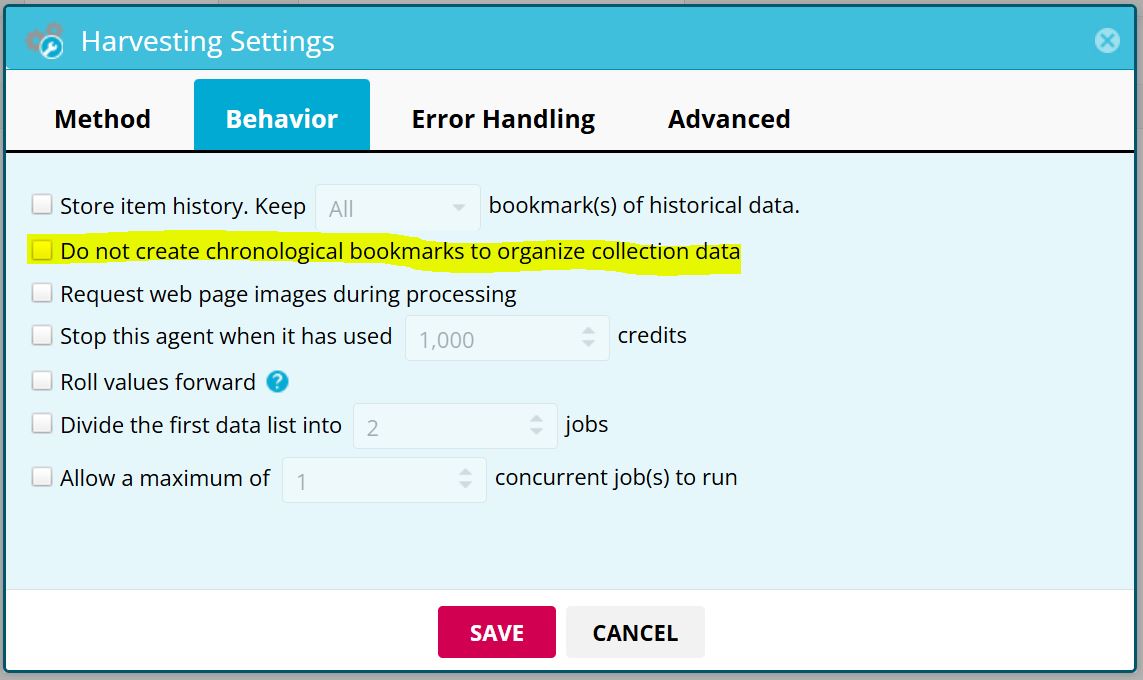
- Navigate to Settings > Harvesting.
- Check the box labeled "Do not create chronological bookmarks to organize collection data"
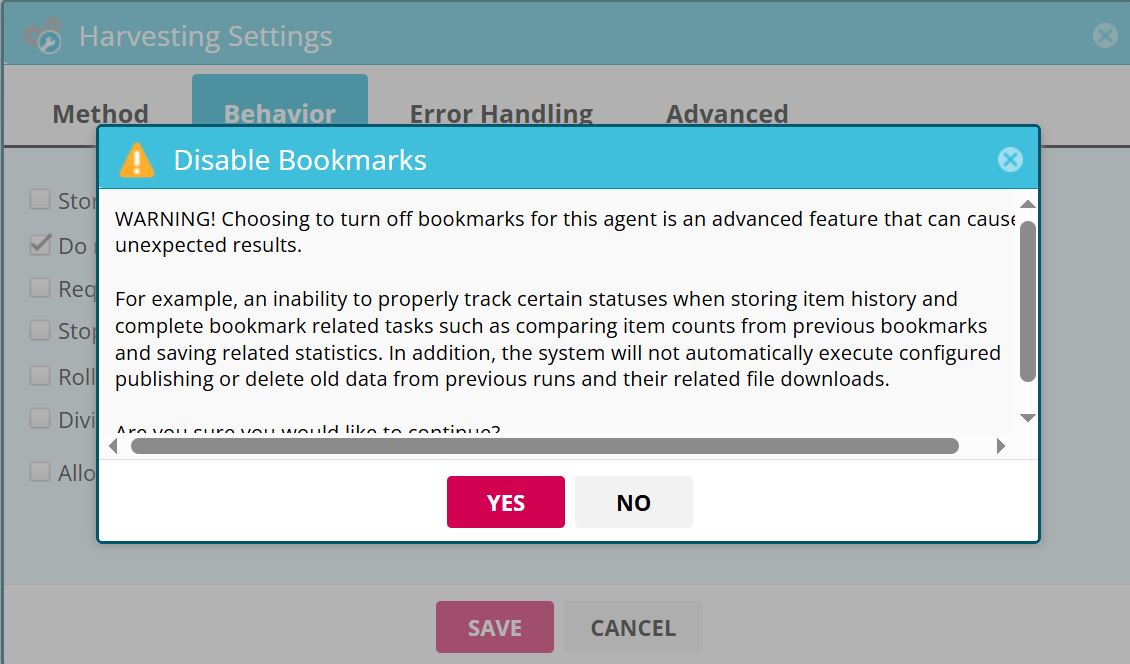
- Note: A warning will appear reminding you of the features (like NURD and Publishing) that will be disabled.
- Save your settings.
Tips for API Users:
- Since automatic data cleanup is disabled in this mode, it is recommended to use the View.DeleteItems API call (passing the JobId) to remove data after you have successfully retrieved it to keep your agent clean.
- When using View.Export or View.GetItems, make sure to set the
UseDataTableparameter toNo(since the "DataTable" is where the ReportRefresh job puts the data, using this setting will make it so it is always empty).