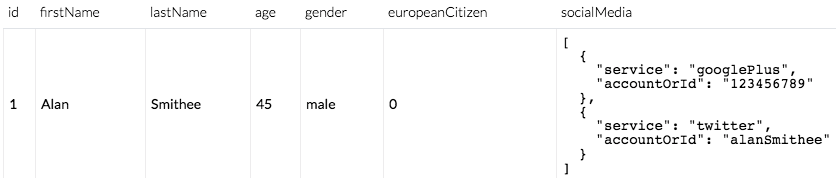
You can configure your robots to take objects as inputs or outputs, as opposed to lists of properties.
This allows you to use the pre-defined properties of an object as the inputs or outputs for a robot instead of having to copy lists of properties individually.
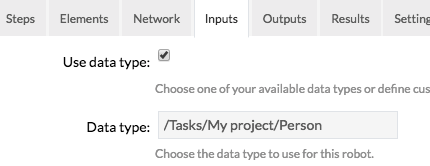
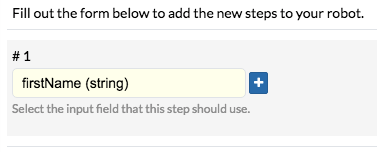
When doing this, you can use the properties of the object given as an input inside your robots:
Robot run configurations
Inputs
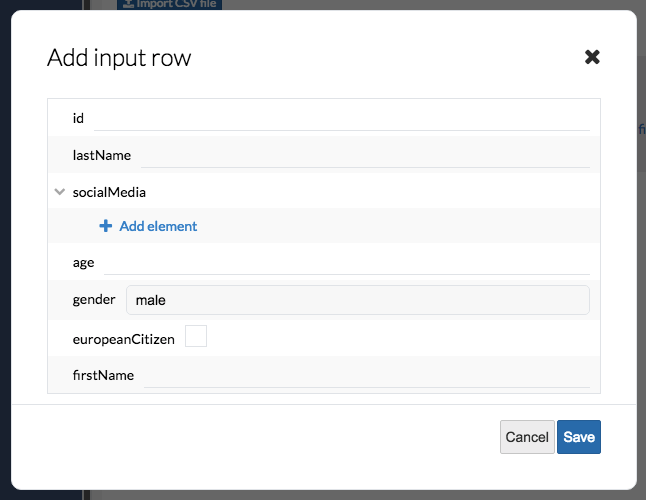
If your robots are configured to require objects as inputs, you can add full objects in the Inputs tab of the run configuration:
Outputs
Your robots can also be configured to output data types instead of lists of properties. This will simply ensure that the properties used as outputs are the top-level ones from the selected data type.
Any object or list properties are presented as JSON text: